Back to School,the Smarter Way: Free Courses + AI Tools
Back to school doesn’t have to be a whirlwind of late-night lesson planning and endless to-do lists!
This year, we’re making it easier – and more exciting – than ever to dive into learning. How? By giving you access to our entire library of educational courses for free!
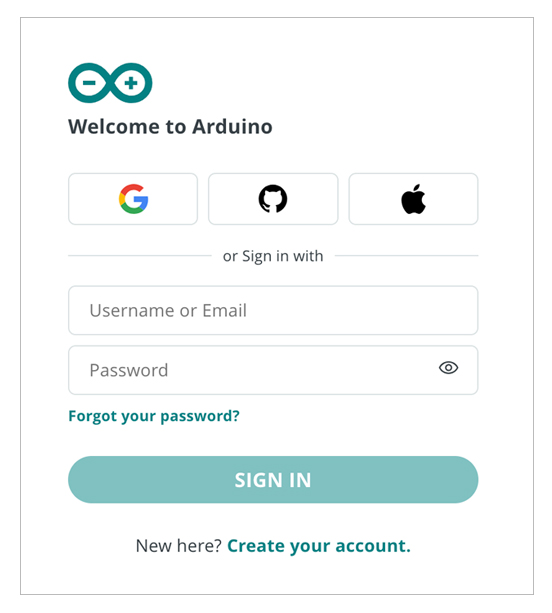
Whether you're a teacher planning STEAM lessons, a student hungry to kickstart the new academic year, or a curious maker exploring new skills, our platform is open to you 24/7. Simply sign in using your Arduino, Google, Facebook, Apple, or GitHub account to get started.
Keep reading to discover what’s included, the wide range of courses available, and how our brand-new AI Assistant is here to help you breeze through your back to school prep!
Get started here: Arduino Education Courses
What’s included?
Once you log in, you’ll get instant access to our full library of courses – each one clearly labeled with a recommended age range and hardware requirements. It’s a great way to preview lessons and projects before purchasing any hardware, or to check if your existing Arduino gear is compatible.
Here’s a closer look at what’s included:
- Getting started guide – A perfect starting point to help you get comfortable with both the hardware and software. Great for beginners or teachers onboarding students for the first time.
- Hands-on, step-by-step lessons and projects – From coding and robotics to IoT and engineering, you’ll find loads of interactive lessons designed to spark creativity and build real-world skills.
- Curriculum aligned content – Many of our courses align with global education standards and include key pedagogical elements to support structured, classroom-ready learning.
- Smart recommendations – Get tailored suggestions for lessons and projects based on your interests, skill level, or the hardware you already have.
- Project code included – Easily copy, modify, and share code to bring your ideas to life.
Simply click on any course to start exploring – it’s that easy!
Our courses are hosted as part of the Arduino Cloud, your one-stop-shop where you and your students can:
- Code online from any computer
- Build and monitor IoT projects
- Store their projects
- Find resources, tutorials and documentation
Available courses

Need extra help? Meet your smart co-teacher: Arduino AI Assistant
Built right into the Arduino Cloud, the Arduino AI Assistant helps you:
- Write, explain, and fix Arduino code with ease.
- Generate ideas to create projects around Arduino boards sensors, shields, carriers and modules.
- Break down complex code into simple explanations.
Focus on what matters: teaching and creating
And the best bit? The Arduino AI Assistant cuts down lesson prep time and helps you to develop fresh, creative ideas to keep students engaged!
How to use it:
- Sign in to the Arduino Cloud
- In the left menu, click Sketches
- Click the green Create button (top right) and select New Sketch
- The Cloud Editor will open. Click the Star icon on the left toolbar to launch the AI Assistant

- Type your prompt – whether it's a coding question, bug fix, or project idea – and watch the magic happen!
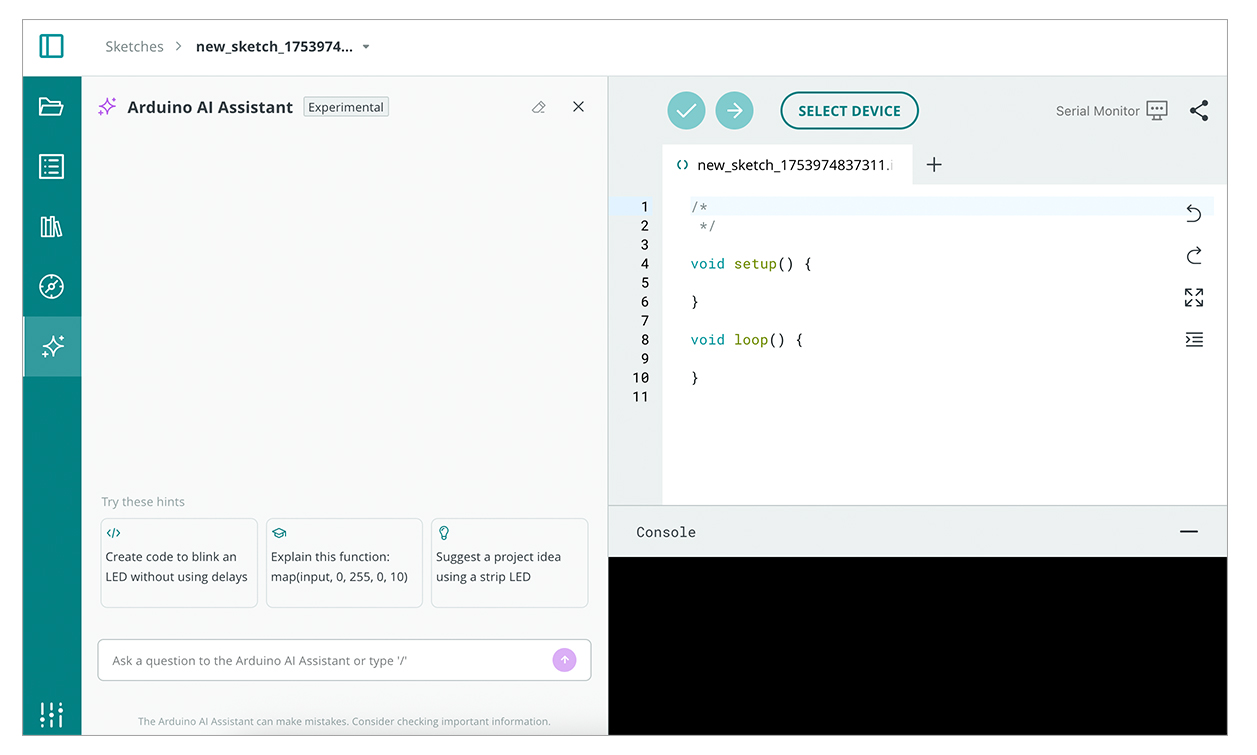
See the AI Assistant in action in two short videos and learn how it supports teaching and makes coding easier to learn.
Level up your teaching with the Arduino School Plan
Take your classroom to the next level with advanced tools designed to make teaching tech smoother, smarter, and more collaborative.
With the School Plan you’ll benefit from:
- Shared spaces – make it easier for students to collaborate, track their progress, and get feedback with our collaborative workspace feature in the Arduino Cloud
- Advanced AI Assistant – with up to 1,500 interactions per month, you can enjoy even more personalized support with coding, debugging and lesson planning
- Google Classroom integration – seamlessly connect with the tools you already use. Sync classes, assignments and student accounts in just a few clicks
- Easy classroom management – organize students, monitor progress, share sketches and guide their learning
…And lots more!
Try it free for 30 days — cancel anytime, no strings attached!
Ready to unlock the full potential of Arduino Education? Explore courses, create projects, and inspire your students today!