
Welcome to Arduino UNO Q!Get started immediately with Arduino App Lab, the integrated development environment for Arduino UNO Q. Focus on your project with seamless MPU and MCU development.
Windows (10/11), NSIS installer


🛠️ Start Developing your way
Single-Board Computer ModeUse UNO Q standalone with monitor and keyboard. Arduino App Lab is pre-installed.
PC–Connected ModeConnect to PC, Install Arduino App Lab on your computer to start.
Network ModeConfigure using SBC or PC mode and work seamlessly over network with Arduino App Lab.
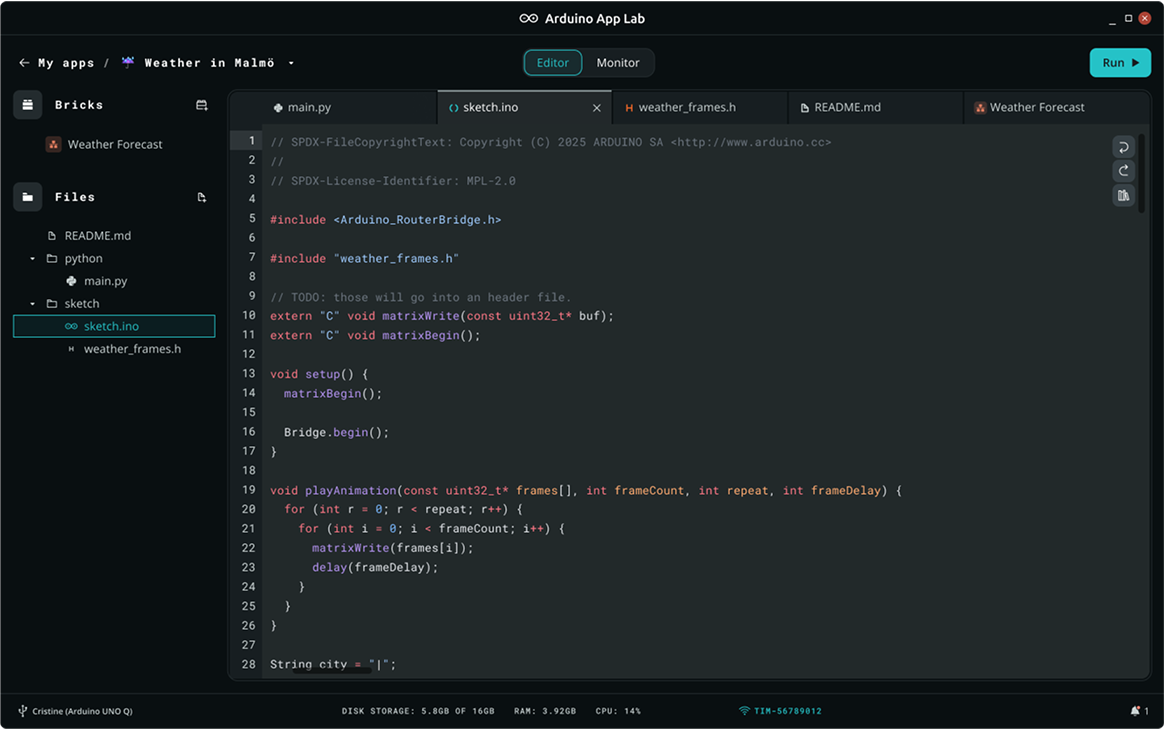
🐍 Where Python meets Sketches
Arduino AppsArduino Apps are the core of the new Arduino UNO Q experience. An app effortlessly combines Python code running on Linux with C code running as a Sketch on the microcontroller, opening up a world of possibilities.
Learn more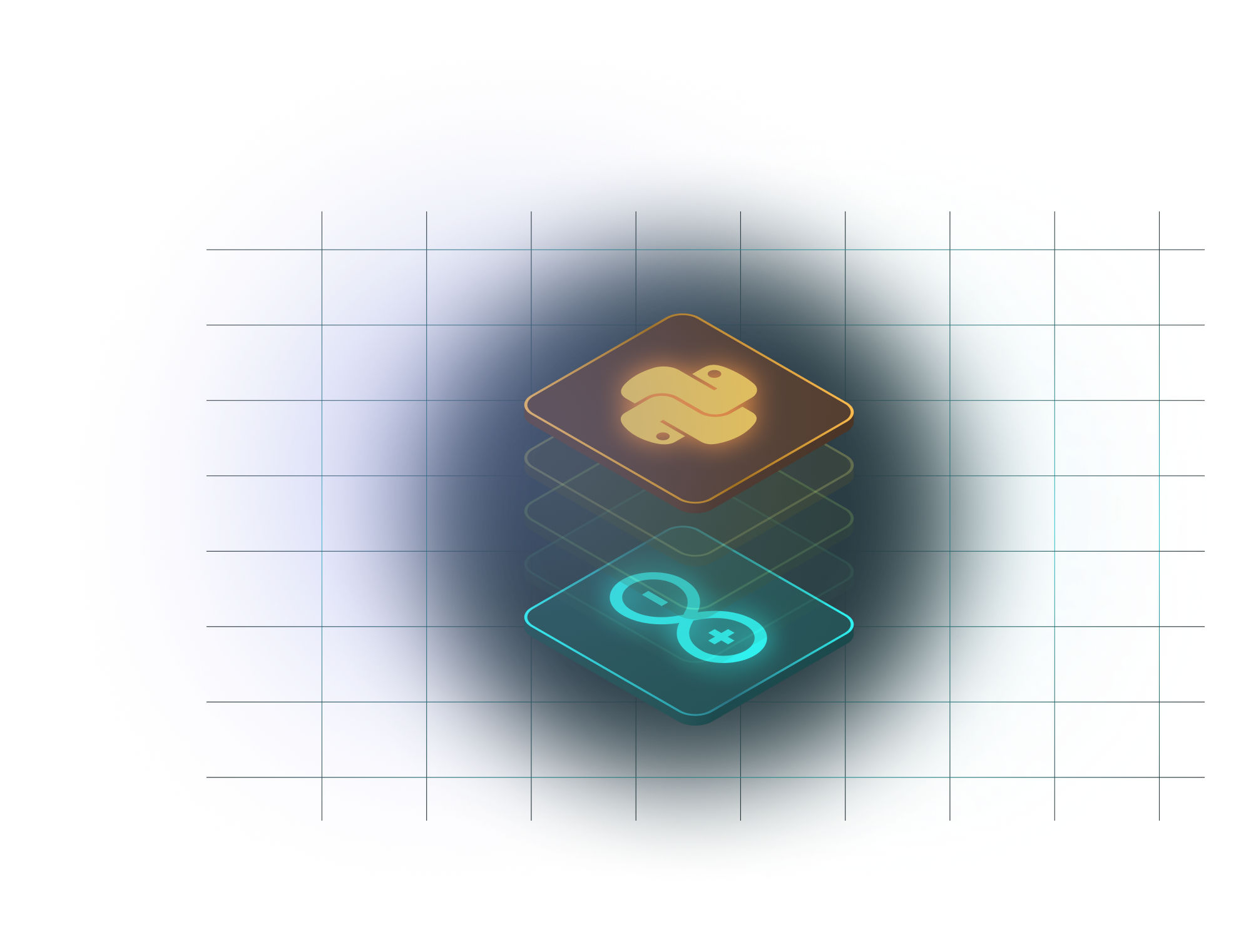
⚡️ Build Faster with Bricks
What are Bricks?Bricks are modular software components that add ready-to-use functionalities to your projects — from AI-powered computer vision and audio models to data storage and cloud integration. Start building smarter applications in minutes, browse Bricks in Arduino App Lab.
Learn more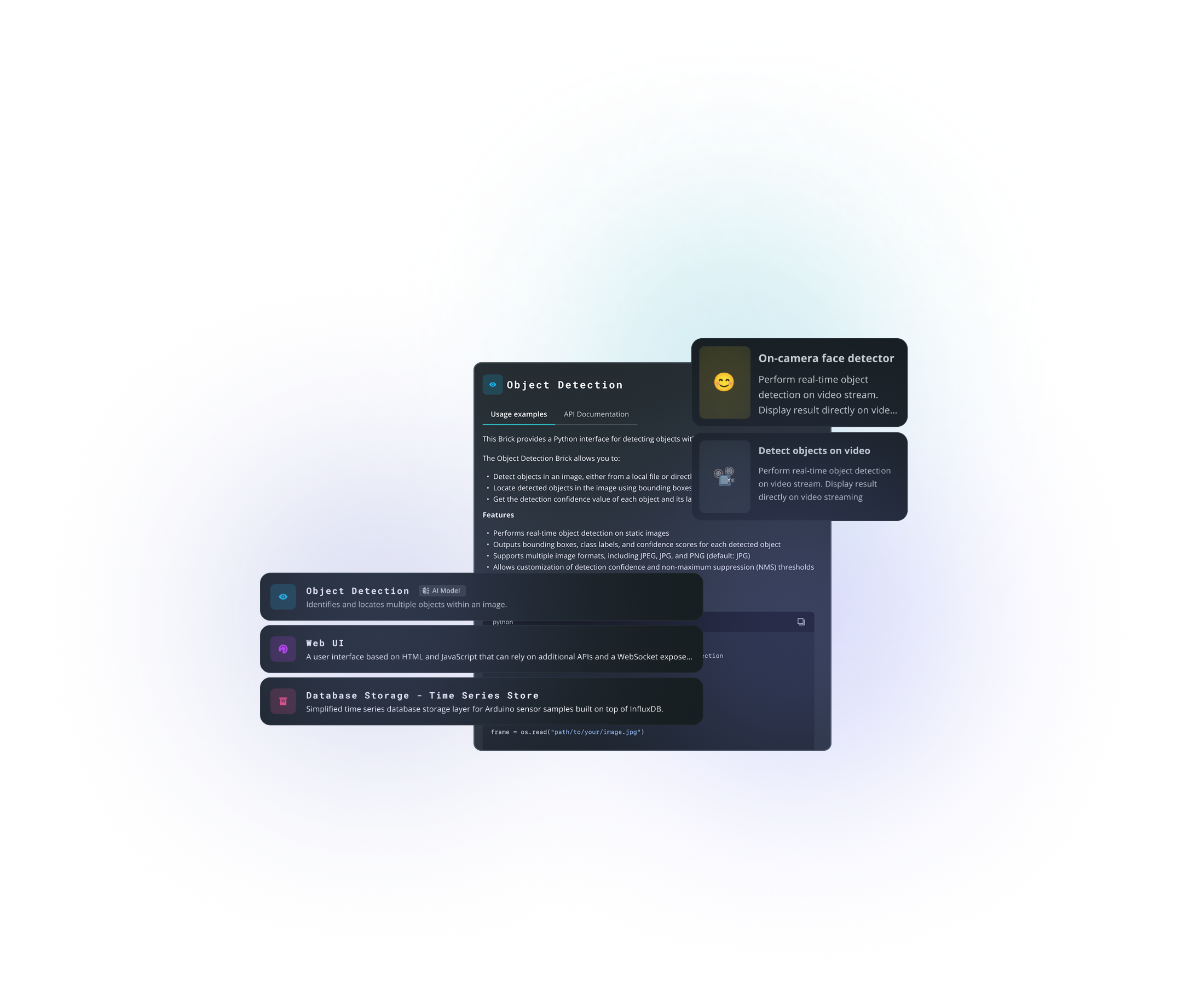
Ready to bring your ideas to life? Get started with Arduino App Lab or dive into the documentation to learn more.