From blink to think.
3
GPU + DSP + ISP
Built-in for edge vision and audio
32
16/32 GB eMMC
Onboard, no SD card, no data loss
OS
Debian + Docker
Full upstream Debian, Compose ready

7–24 V input
Overvoltage and reverse-polarity safe
2.4/5
Wi-Fi 5 + BT 5.1
Dual-band 2.4/5 GHz, onboard antenna

Arduino App Lab
Python or Sketches, deploy in minutes

Run real-time object detection and quality control directly on the edge. UNO Q's onboard NPU accelerates vision models for defect spotting, barcode reading, and automated sorting—no cloud dependency required.
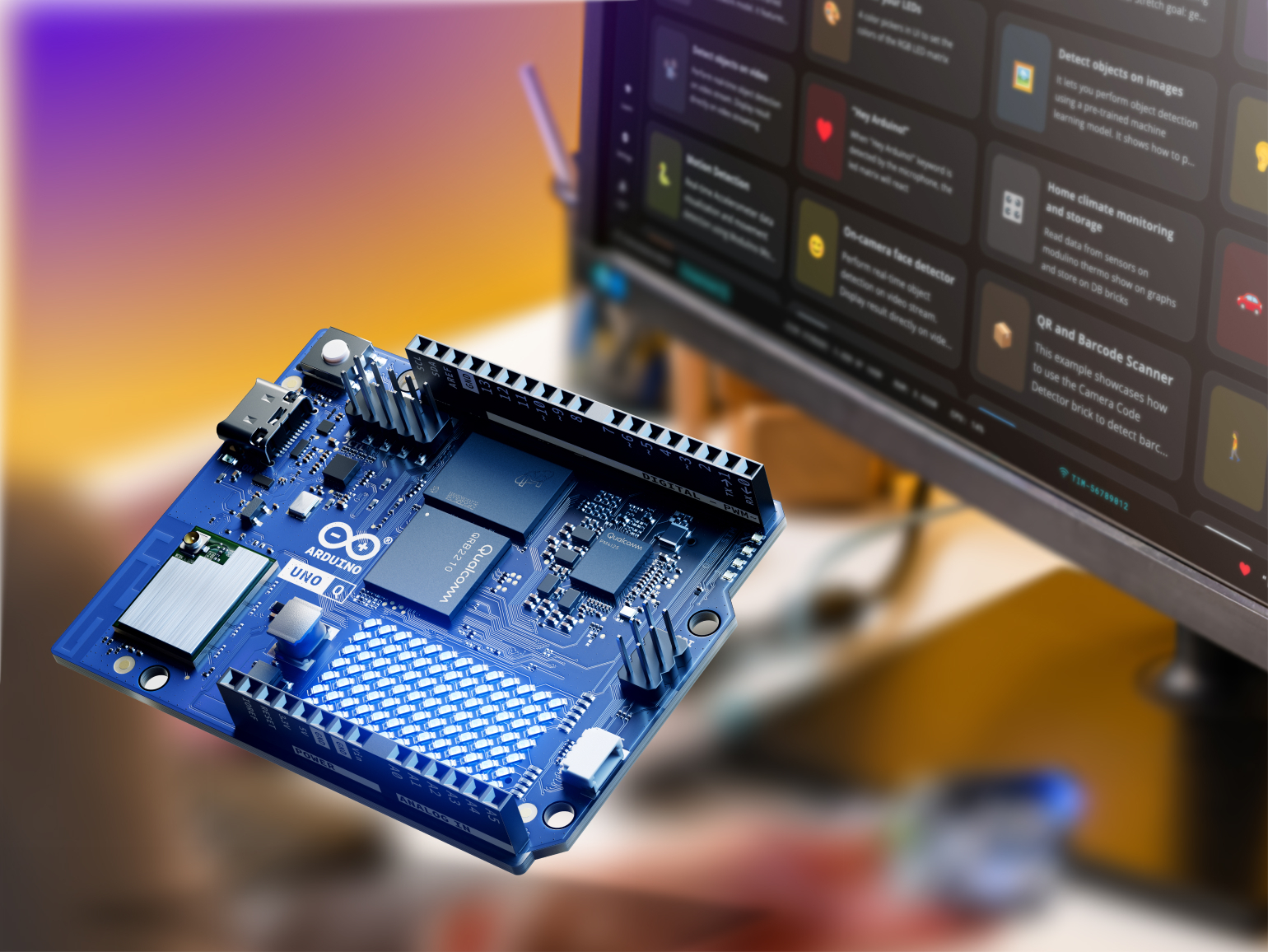
Deploy compact large language models and autonomous AI agents locally on the board. UNO Q's Qualcomm processor handles inference natively, enabling conversational interfaces and decision-making at the edge.

Monitor equipment health with continuous sensor analysis and anomaly detection. UNO Q processes vibration, temperature, and pressure data on-device to predict failures before they happen—minimizing downtime.
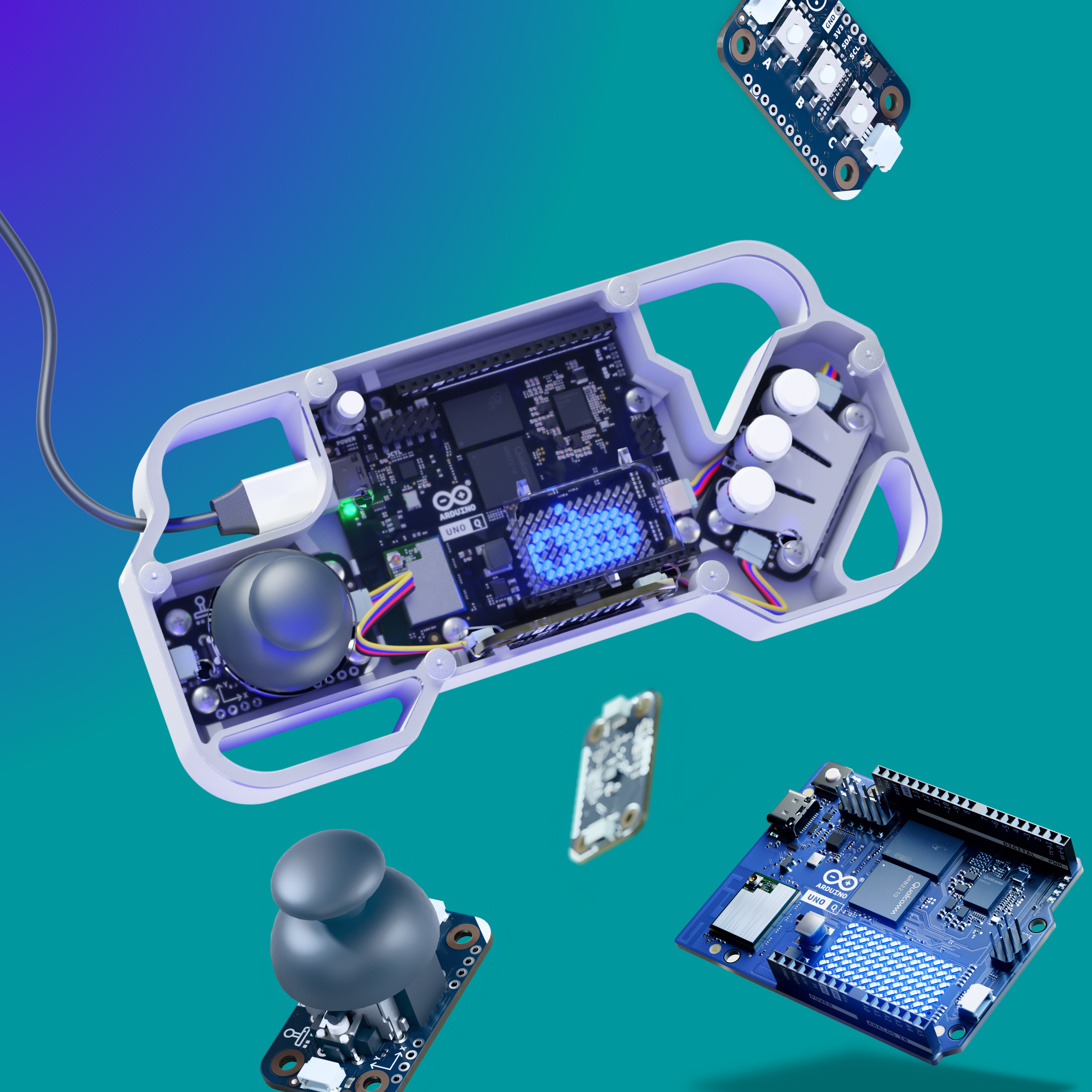
Build retro consoles, handheld devices, and interactive experiences powered by Linux. UNO Q's dual-processor architecture delivers smooth graphics and responsive controls for indie and DIY gaming projects.
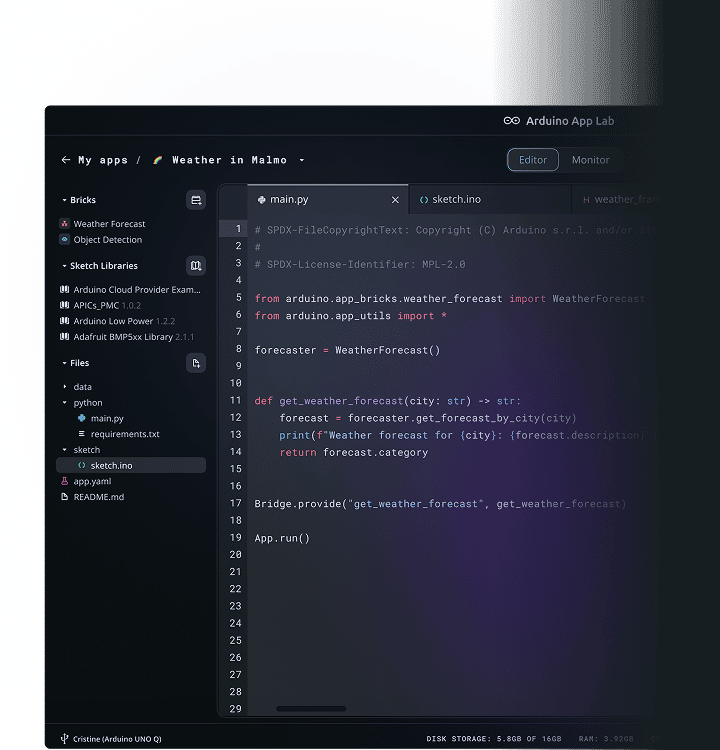


Run App Lab directly on UNO Q, with a monitor and keyboard plugged in. Voilà, your UNO just turned into a standalone Single-Board computer.
4GB RAM variant recommended
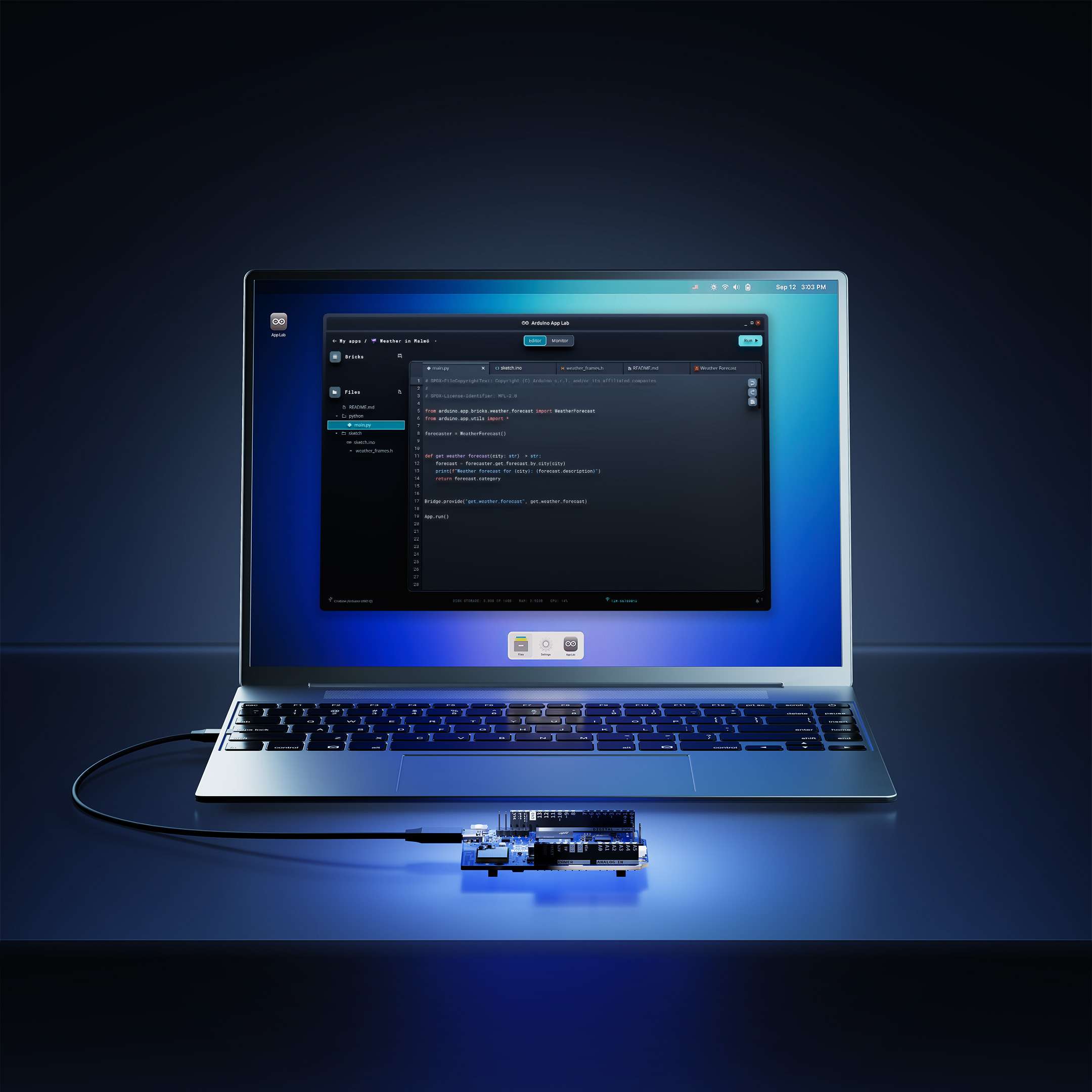
Use a USB-C cable and run Arduino App Lab from your computer or laptop, and enjoy the familiar Arduino development experience.
You can develop on UNO Q wirelessly, connecting it to your computer's same network.
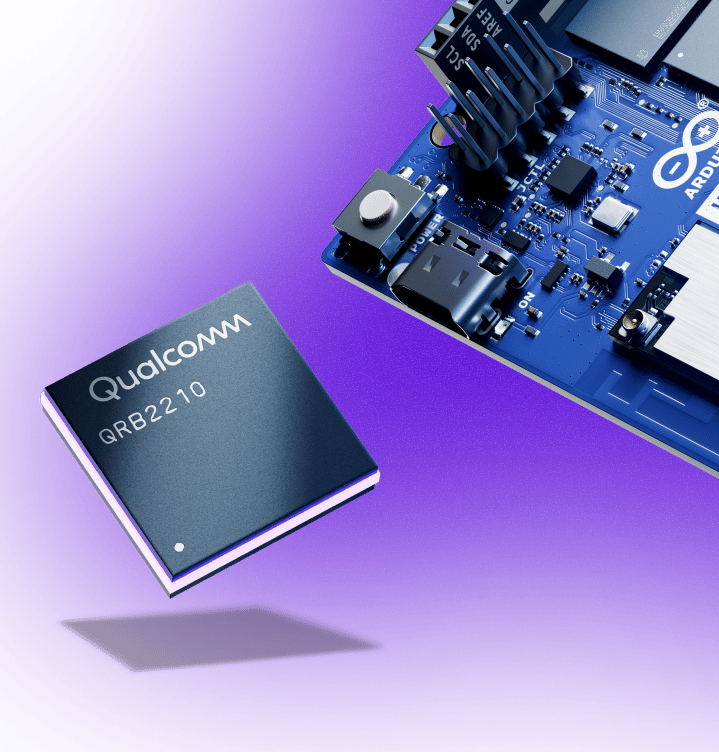
With integrated AI acceleration, efficient performance, and support for camera, display, and audio, Dragonwing™ QRB2210 is built for next-gen robotics and IoT products. With the quad-core Arm® Cortex®-A53 @ 2.0 GHz CPU, Adreno GPU, and 2x ISP, it turns UNO Q into a compact, cost-effective platform with advanced features like machine vision.
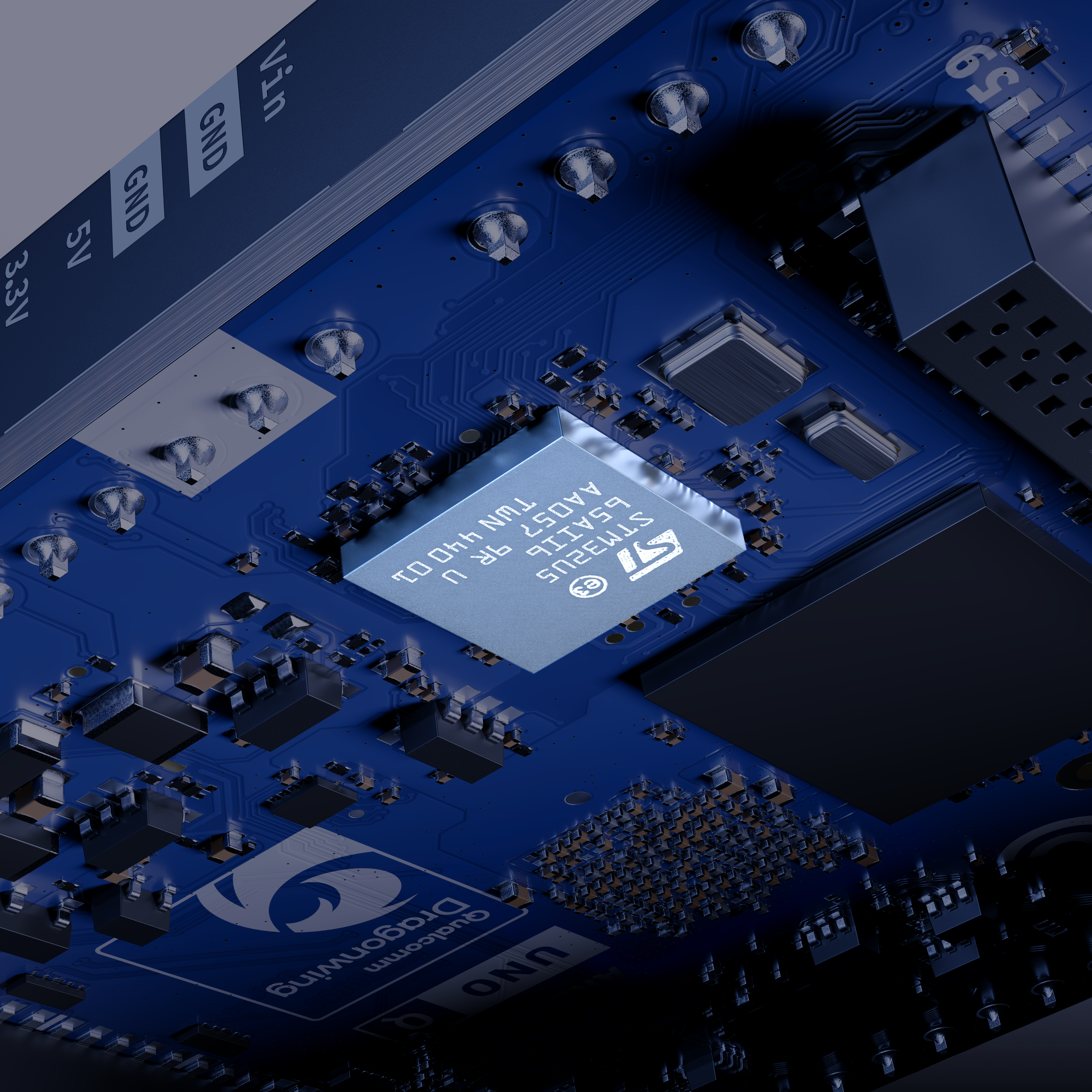
Real-time, low-power STM32U585 MCU to control the world around you.
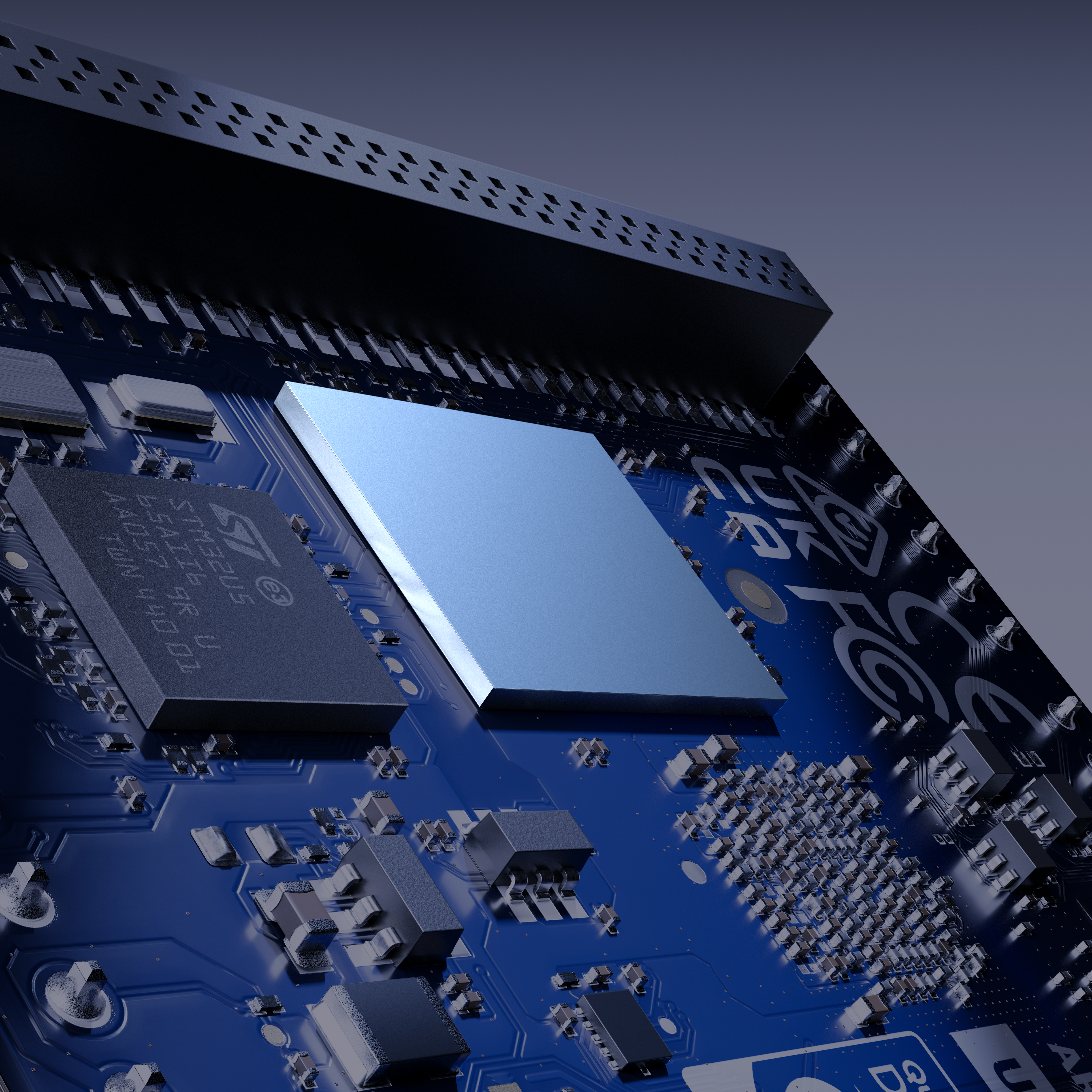
No more SD card hassles! UNO Q comes with 16 GB eMMC storage.
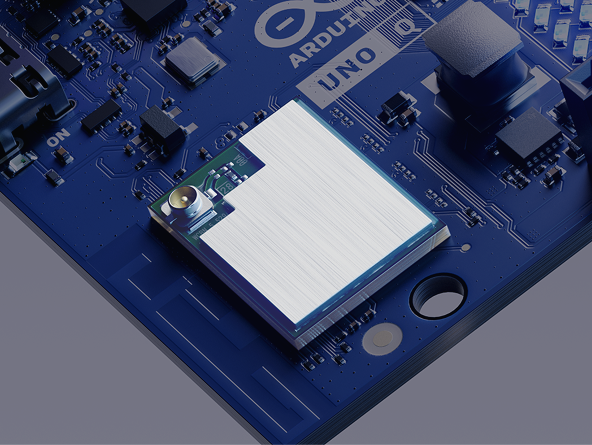
Dual-band Wi-Fi® 5 2.4/5 GHz. Bluetooth® 5.1.
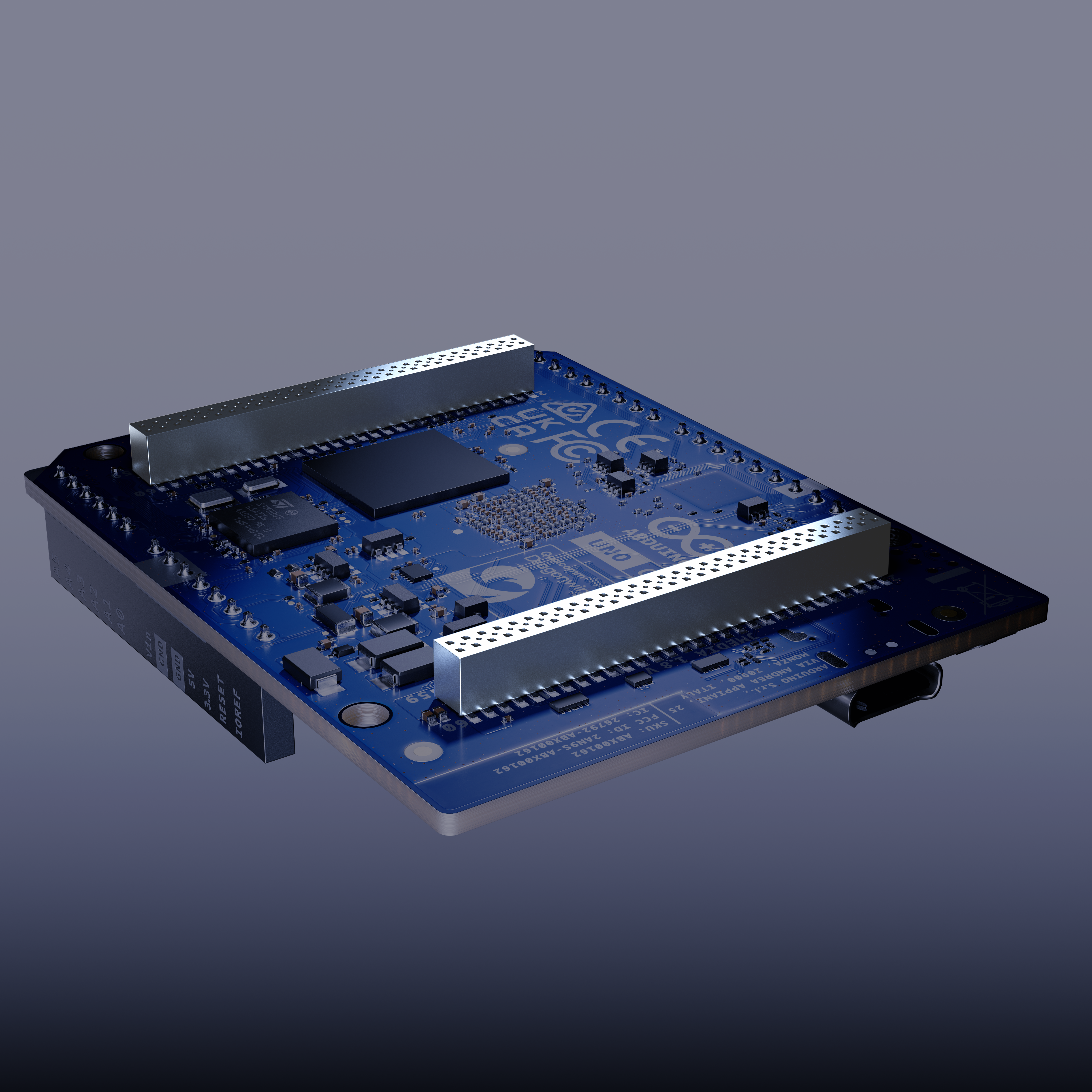
Power advanced peripherals – vision, audio, display – and grow with new Arduino carriers.
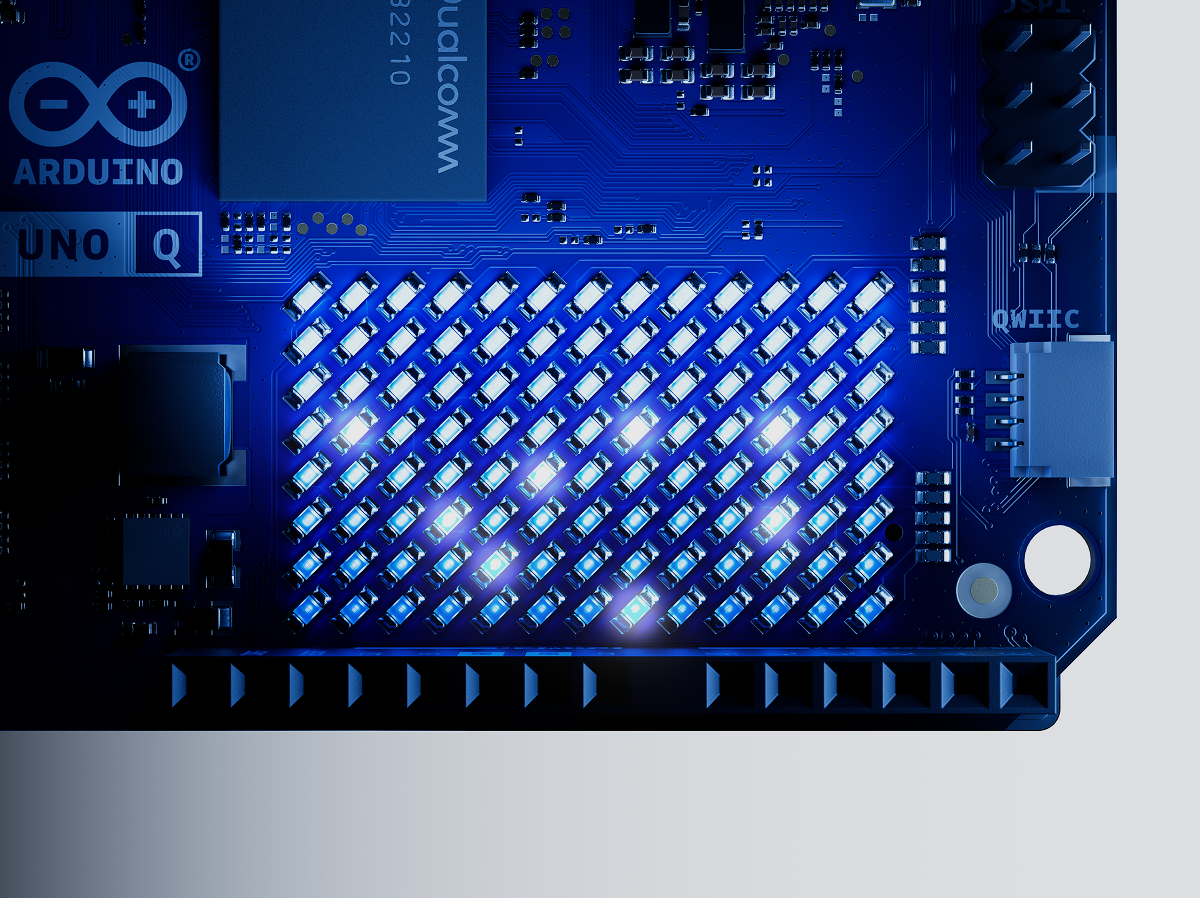
Immediate visual feedback from 4 RGB LEDs and the 8 x 13 LED matrix.
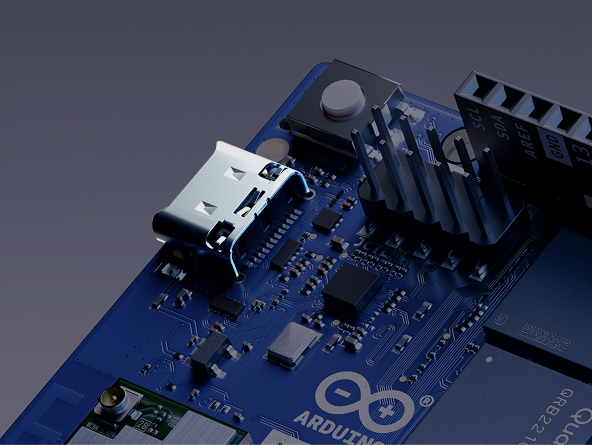
A single gateway for power delivery and keyboard, mouse, audio and video peripherals.
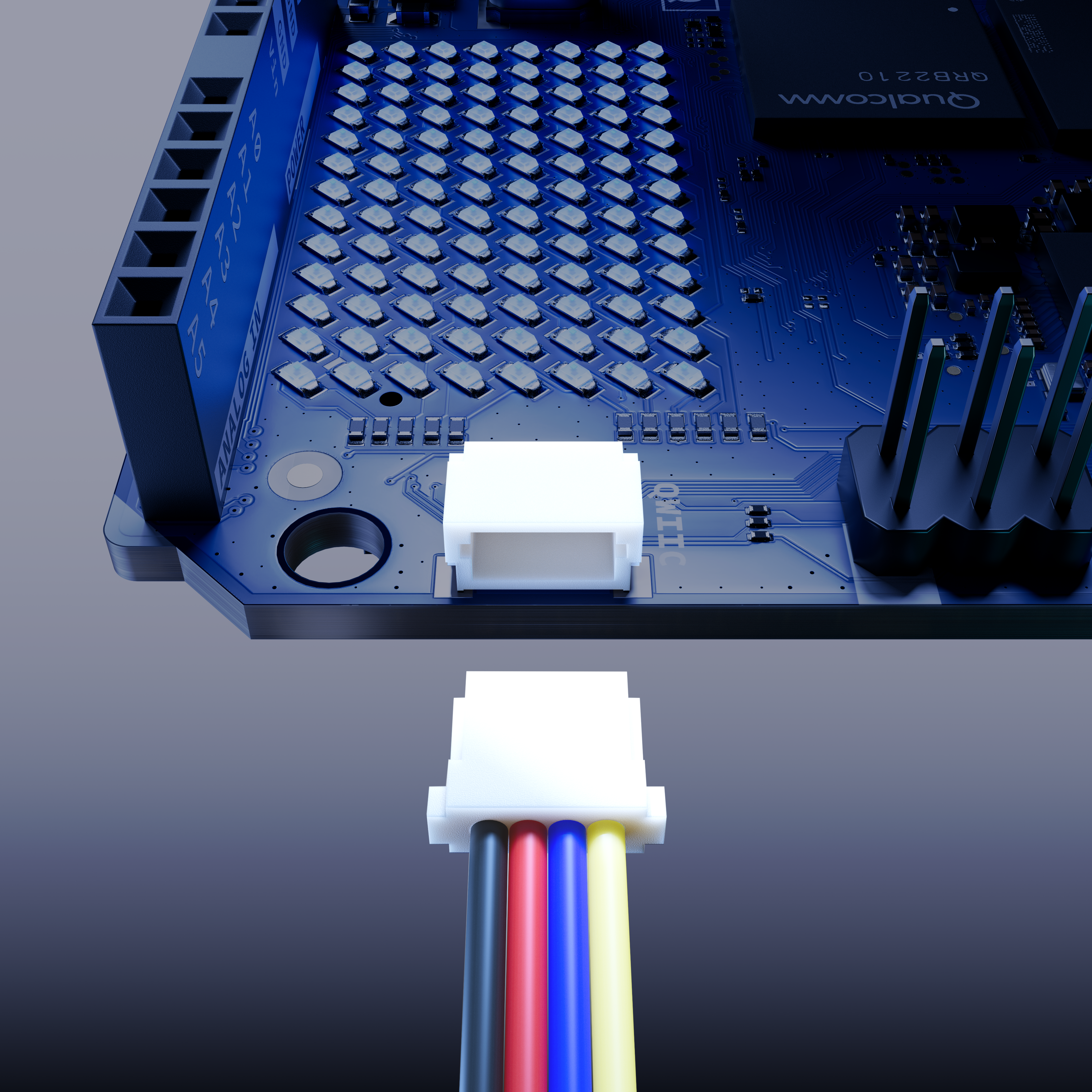
The easiest way to expand your hardware with Modulino® nodes – no soldering required!
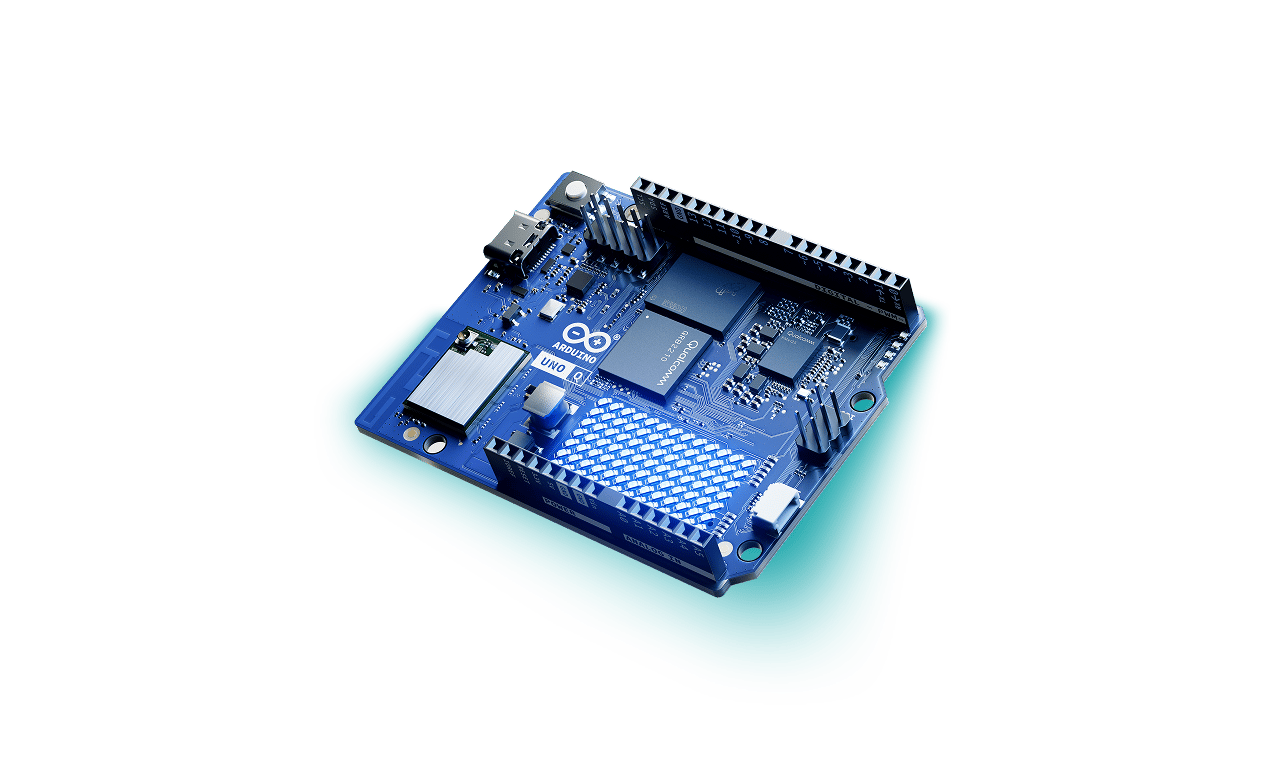
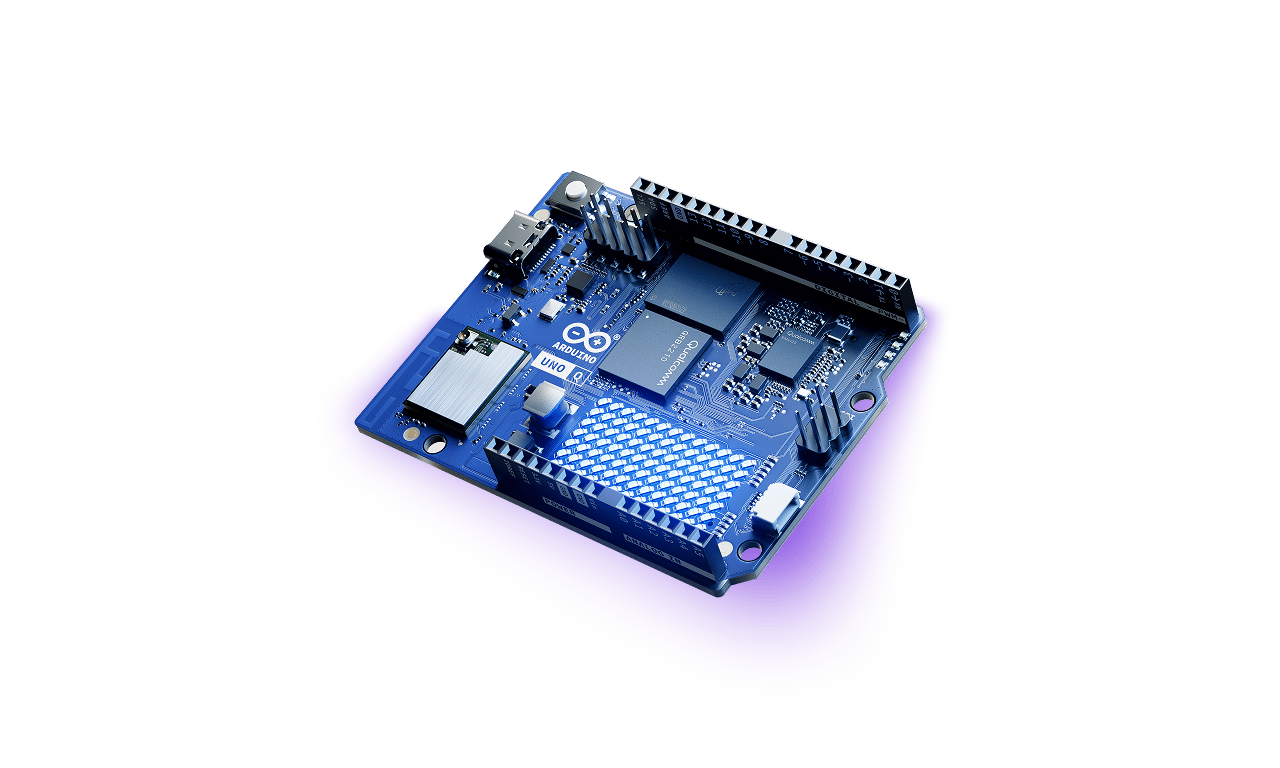
UNO Q is Arduino’s Linux-capable board, featuring a quad-core Qualcomm Dragonwing™ QRB2210 with GPU and an STM32U585 microcontroller, enabling a unique combination of Linux apps, real-time control, and lightweight AI.
Yes. Simply connect Arduino App Lab and your UNO Q to the same network over Wi-Fi or Ethernet. You can even develop with multiple boards at once.
Yes, we are releasing UNO Q schematics and gerbers with CC-SA-BY 4.0 license.
UNO Q is available to order from the official Arduino Store, RS Components (from 8th Oct onwards), Digikey, Mouser, Macfos, and in the future from other Authorized Distributors and Resellers
Both boards are part of the same UNO family, but they’re built for different needs.
UNO R4 is a pure microcontroller board, ideal when you want to keep things simple, efficient, and hardware-focused. It delivers low-power, real-time performance for tasks like reading sensors, driving actuators, and building IoT prototypes. With full compatibility for Arduino shields and libraries, and the ease of the Arduino IDE, it’s the perfect choice for learning, experimenting, and turning ideas into working projects fast.
UNO Q takes the next step by adding a Linux-capable processor alongside the microcontroller. That means you can run AI models, process images and audio, or connect advanced web applications, all while still controlling your hardware through the STM32 MCU. With App Lab, you can even orchestrate everything in one place, mixing sketches, Python scripts, and AI models.
Arduino App Lab is compatible with all major operating systems: Windows: Windows 10 or later (64-bit), macOS: macOS 11 or later (64-bit), Linux: Ubuntu 22.04 or later, and Debian Trixie (64-bit).
Arduino App Lab also comes natively pre-installed on the UNO Q Debian OS, so you can get started right out of the box.
Yes, App Lab and the App Bricks library are open source; we are working to publish corresponding source code repositories, they will become available soon.
Yes, UNO Q works with Arduino’s traditional software tools for microcontroller programming – Arduino IDE and Arduino CLI – as well as standard tools such as VS code.
We believe in openness and freedom of choice, so you can still use your own tools through Arduino CLI, use Arduino IDE to run your sketches on the UNO Q microcontroller subsystem and more.
However, to fully take advantage of UNO Q’s capabilities, Arduino App Lab is the tool for you! It’s the next-gen platform we’ve designed for an all-new development experience, integrating Arduino sketches, Python®, and AI with ease. Try Arduino App Lab to see how you can add functionalities, not complexity!
Yes. You can stream your smartphone’s camera directly to Arduino UNO Q using the Arduino IoT Remote App. Your phone becomes a wireless, high‑resolution camera sensor that connects to UNO Q over your local Wi‑Fi network. No external camera, cloud connection, or cables are required. Camera data streams directly to the board and can be used immediately in the Arduino App Lab for real‑time computer vision and AI projects.
Use a USB-C dongle that supports power delivery (PD) and video output. This expands UNO Q’s USB-C port into standard connectors for desktop-like use.
Make sure the dongle supports PD, because it is used to power the board itself. Without it, UNO Q will not boot.
To add a display, plug your devices to the dongle or connect them via Bluetooth.
To add keyboard and mouse, plug them into the USB-A ports on the dongle.
We recommend using the 4 GB RAM variant of UNO Q (coming soon!) for standalone setup.
Yes. Arduino UNO Q is supported by the Arduino Cloud and can send and receive data over the Internet. UNO Q is programmed using Arduino App Lab, which includes ready‑made examples for Arduino Cloud integration. Communication with the Cloud runs on the Linux side of the board using Python, while data exchange with the microcontroller is handled automatically via the Bridge. You can easily set up UNO Q in the Arduino Cloud using a dedicated wizard and start controlling hardware or visualizing data through Arduino Cloud dashboards. For more info, check out this tutorial.